


- New
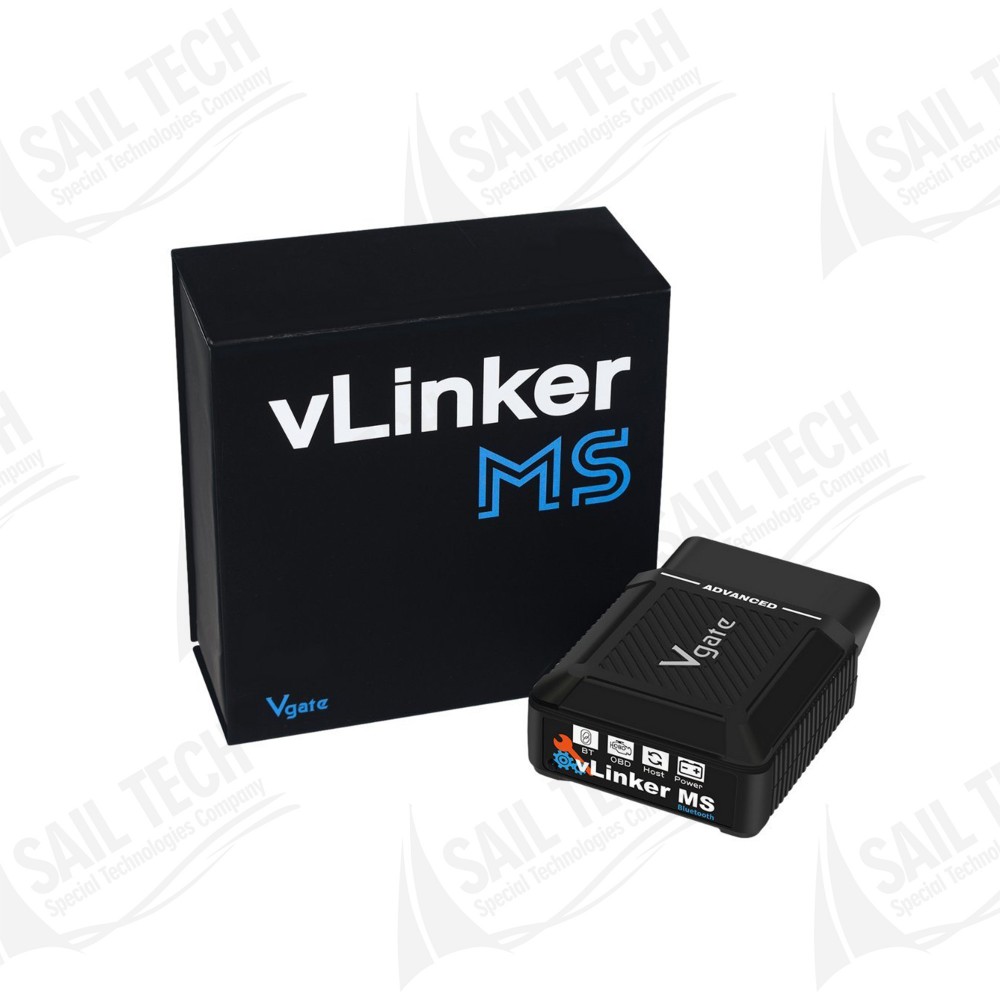

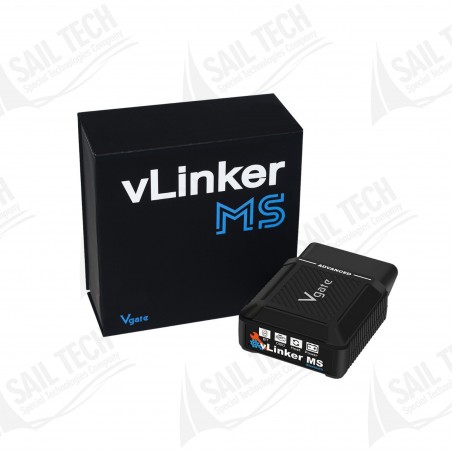
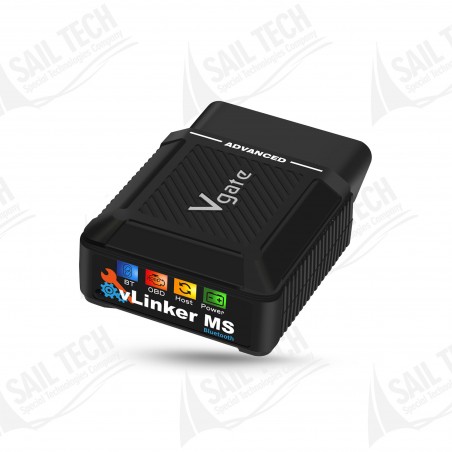
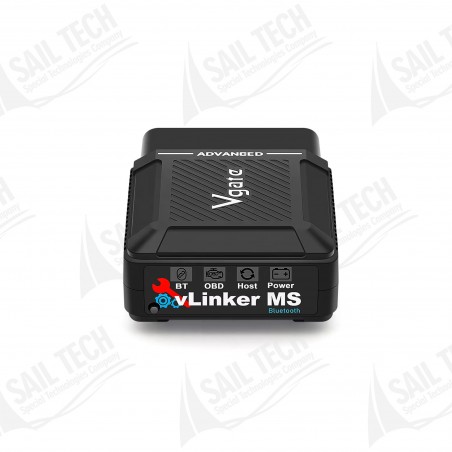

Vgate vLinker MS is a professional Bluetooth OBD2 interface developed to perform comprehensive diagnostic operations on FCA Group vehicles using Multiecuscan software. It provides access to the engine, transmission, ABS, Airbag, body electronics and other supported control units on Fiat, Alfa Romeo, Lancia, Jeep, Chrysler and Dodge vehicles.
 Secure Payment
 Fast Delivery
 Easy Returns
 Satisfied Customer
Vgate vLinker MS is a professional Bluetooth OBD2 interface developed to perform comprehensive diagnostic operations on FCA Group vehicles using Multiecuscan software. It provides access to the engine, transmission, ABS, Airbag, body electronics and other supported control units on Fiat, Alfa Romeo, Lancia, Jeep, Chrysler and Dodge vehicles.
The electronic architecture of FCA Group vehicles uses a more comprehensive communication structure than standard OBD2 systems. Thanks to its ability to access multiple CAN networks, the Vgate vLinker MS is not limited to basic fault code reading and clearing.
When used with Multiecuscan, it provides access to advanced service functions on supported vehicles, including PROXI alignment, adaptations, coding, active tests, calibrations, ECU information reading and hidden feature activation.
Different electronic control units in FCA vehicles may operate on different communication networks. With multi-CAN support, the vLinker MS provides broader access to these systems.
The vLinker MS multi-CAN communication architecture makes accessing different networks during FCA diagnostic procedures more practical and helps simplify the connection process.
Repeated adapter or channel checks can lead to wasted time and increase the possibility of connection errors.
With support for 5 different CAN channels, it provides more comprehensive and convenient access to the electronic systems of FCA vehicles.
The Vgate vLinker MS is optimized for use with Multiecuscan on FCA Group vehicles. However, Multiecuscan's color-coded adapter cables may be required to access certain control units and perform advanced service procedures.
The required adapter cable may vary depending on the vehicle model, production year and control unit being accessed. It is recommended to check the Multiecuscan vehicle compatibility list before performing any procedure.
No customer reviews for the moment.
Vgate vLinker MS is a professional Bluetooth OBD2 interface developed to perform comprehensive diagnostic operations on FCA Group vehicles using Multiecuscan software. It provides access to the engine, transmission, ABS, Airbag, body electronics and other supported control units on Fiat, Alfa Romeo, Lancia, Jeep, Chrysler and Dodge vehicles.