



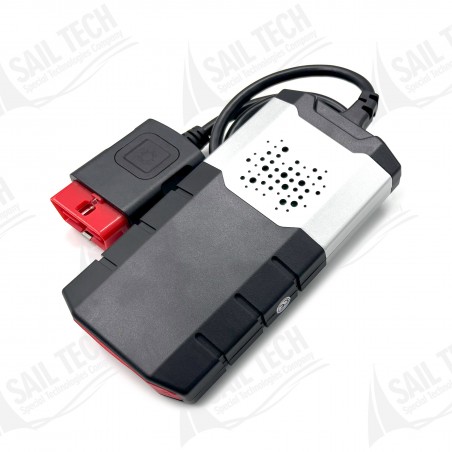
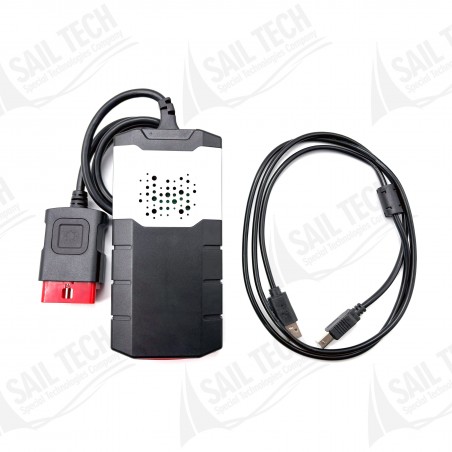
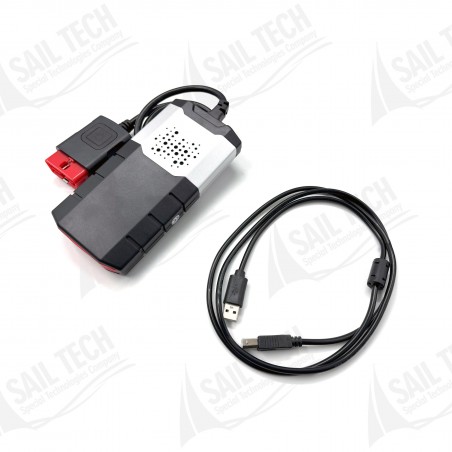
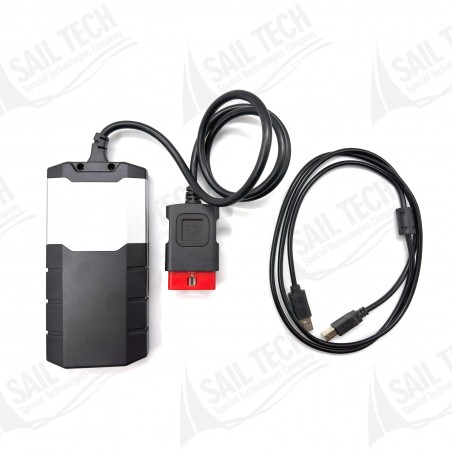
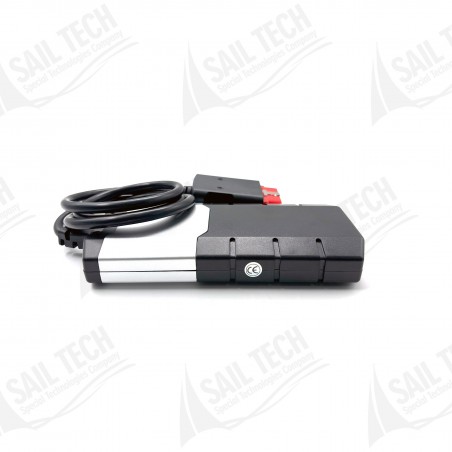
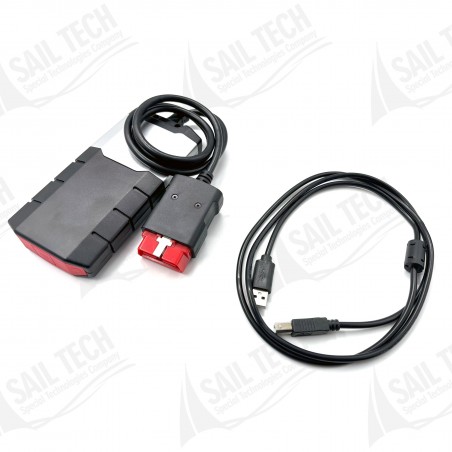
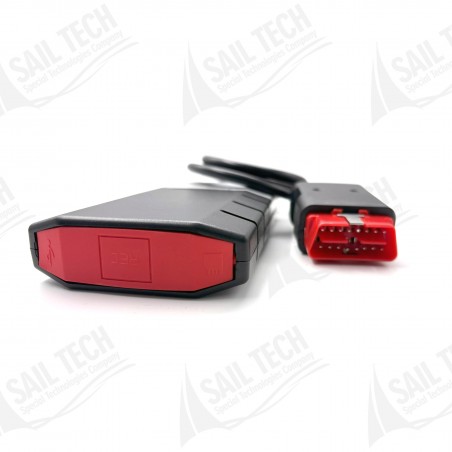
Delphi - Autocom Diagnostic Tool is a professional diagnostic device that establishes a fast and reliable connection between the vehicle and the computer. It allows you to perform comprehensive operations such as fault diagnosis in old and new model vehicles, live data monitoring, service reset, and system tests with ease.
 Secure Payment
 Fast Delivery
 Easy Returns
 Satisfied Customer

Delphi - Autocom Diagnostic Tool is a professional diagnostic device that establishes a fast and reliable connection between the vehicle and the computer. It allows you to perform comprehensive operations such as fault diagnosis in old and new model vehicles, live data monitoring, service reset, and system tests with ease.
Bulgarian, Croatian, Czech, Danish, Dutch, English, Estonian, Finnish, French, German, Greek, Hungarian, Italian, Latvian, Lithuanian, Norwegian, Polish, Portuguese, Romanian, Russian, Serbian, Spanish, Swedish, Turkish.


With the flight recorder function, you can record parameters in real-time while driving the vehicle. During recording, you can press a button to mark a specific error and later examine the detected error in detail. The TCS has internal memory, eliminating the need to carry a computer.
Note: Memory card is not included in the package.
The multi-color indicator on the TCS CDP+ gives you full control over the diagnostic process. Different colors and sounds indicate the device's status. For example, if the indicator alternates between blue and green, it means the CDP+ is communicating with the vehicle control unit.
When the TCS CDP+ is connected to the vehicle, it checks the vehicle battery voltage and automatically adjusts to 12 V or 24 V level. If the voltage is too high or too low, the CDP+ warns with both sound and light; additionally, information is provided via the battery icon in the diagnostic software.
With the smart function in the CARS software, you can read the chassis number (VIN) of the vehicle you want to diagnose. Thus, the correct model and year are automatically selected. For common vehicles, the engine code is also automatically selected.
Intelligent System Scan (ISS) scans all systems in the vehicle and displays error codes recorded in each system. It saves time and allows you to quickly see the overall status.
Intelligent System Identification (ISI) automatically identifies and selects the type of existing control unit. The diagnostic session starts with the correct parameters.
Even if the vehicle is not with you, you can see the adaptations and adjustments that can be made for a specific vehicle. Thanks to helper texts, you can work in a planned and efficient manner.
Thanks to unique multiplexer technology, it can be used on all vehicle types, independent of voltage levels and communication standards. Approved adapter kits are available for vehicles other than 16-pin.
There are detailed instructions for most OBD functions, such as adjustments and programming. Prerequisites, preparation, and application steps are explained step by step.
There are detailed help texts and guidance for most OBD functions. Even the most complex operations are simplified.
Multiplexer: 2×HS CAN (ISO 11898-2), SW CAN (SAE J2411), K/L (ISO 9141-2), VPW (J1850), PWM (J1850), RS485 (J1708), TTL and (SPI, analog input, 5V output).

No customer reviews for the moment.
Delphi - Autocom Diagnostic Tool is a professional diagnostic device that establishes a fast and reliable connection between the vehicle and the computer. It allows you to perform comprehensive operations such as fault diagnosis in old and new model vehicles, live data monitoring, service reset, and system tests with ease.